
Tutorials
Explore step-by-step guides on using X-ray Interpreter to master medical imaging tools effectively.
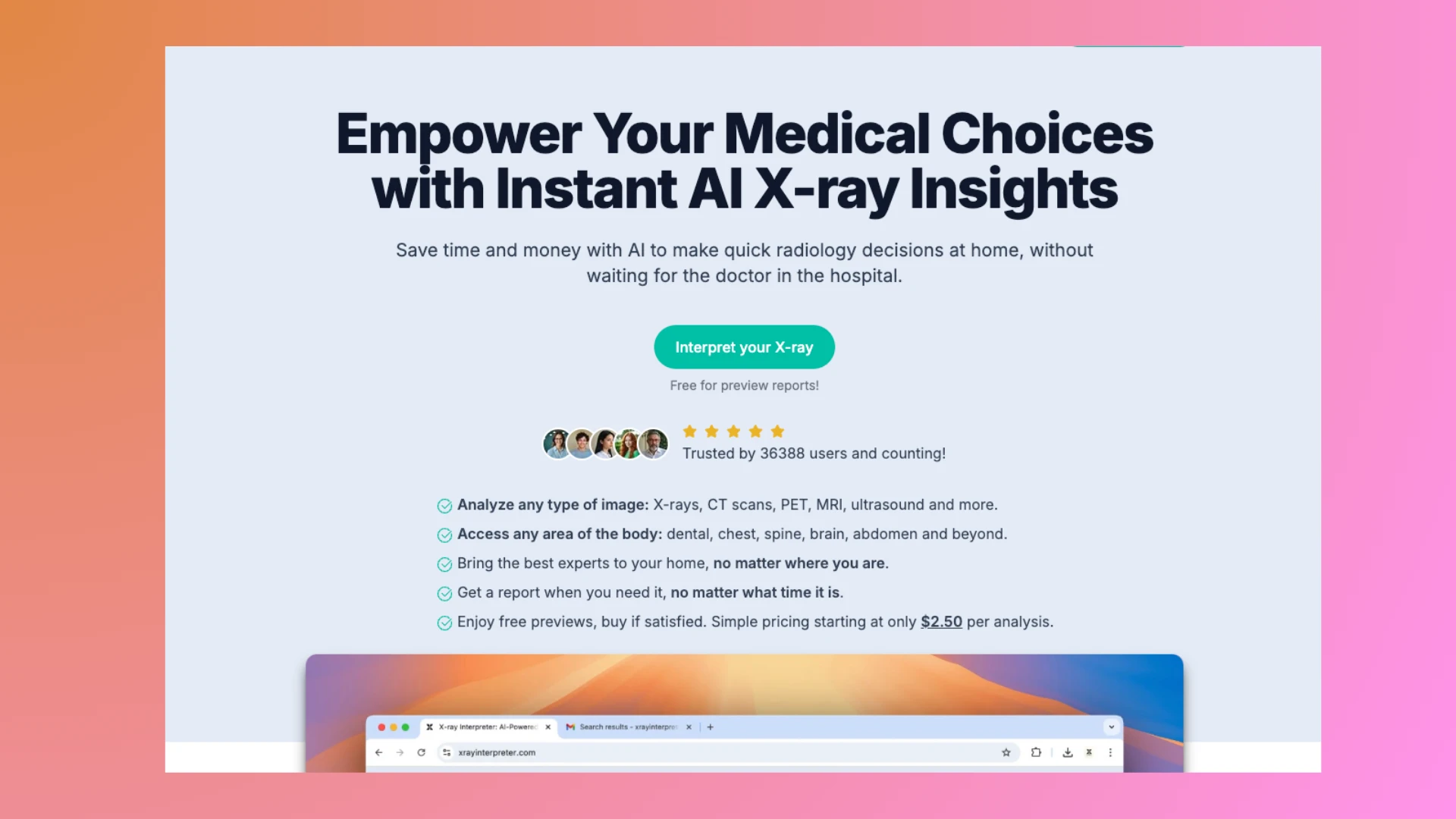
Getting Started with X-ray Interpreter
Learn how to interpret X-rays and other medical images with X-ray Interpreter. This guide covers uploading multiple images, Auto Select for DICOMDIR folders, and step-by-step instructions.
CONTINUE READING →
How to Use ChatGPT to Interpret X-rays
Explore the step-by-step guide on leveraging ChatGPT for X-ray interpretation, unlocking a powerful aid in diagnostic processes. Ideal for medical professionals, students, or AI enthusiasts keen on medical imaging advancements.
CONTINUE READING →
How to Use Grok to Interpret X-rays
Discover how to leverage Grok AI for X-ray image interpretation. This guide provides detailed steps on preparing images, accessing Grok on both desktop and mobile, and understanding its analysis.
CONTINUE READING →
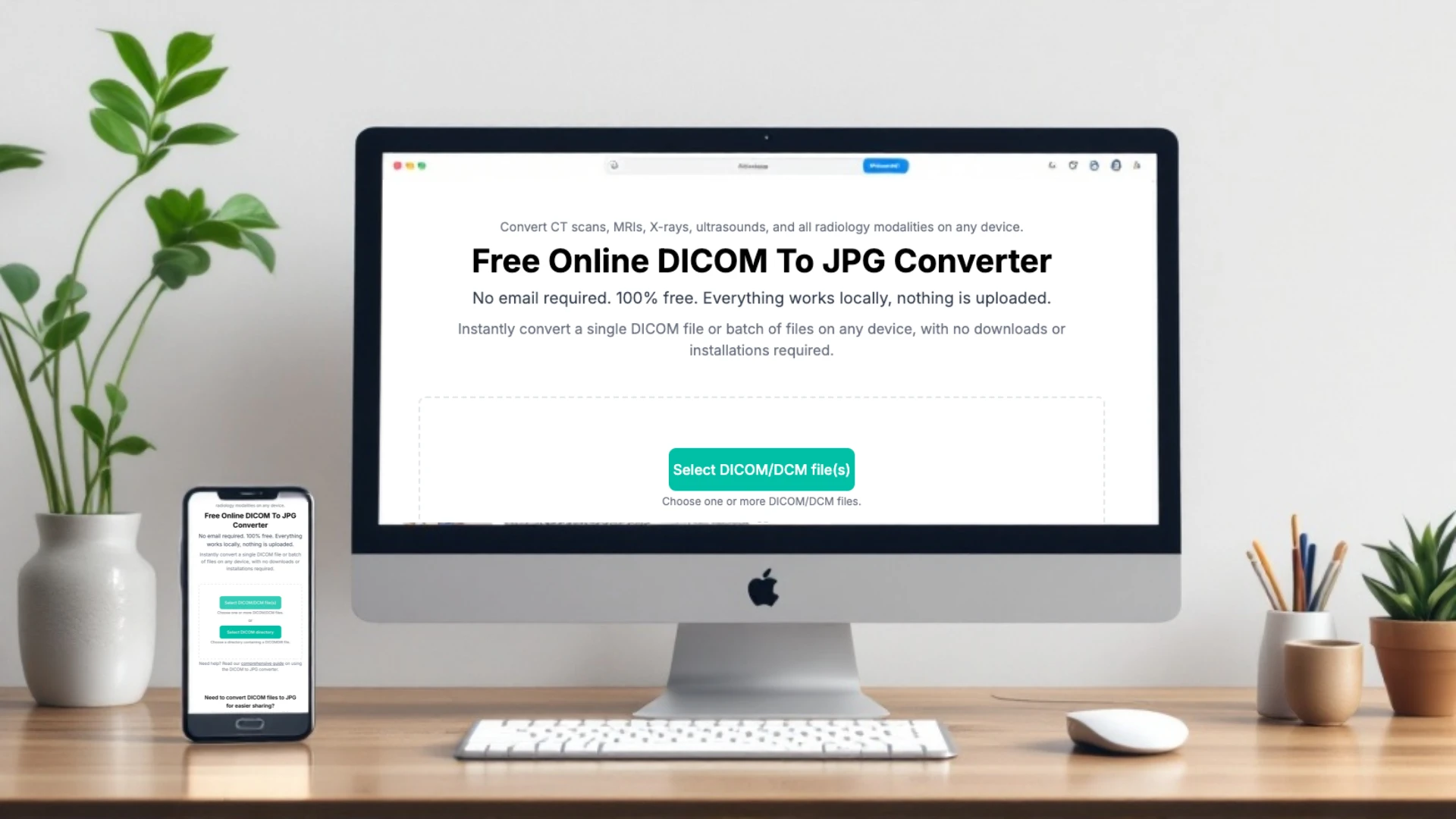
How to Use the Free DICOM to JPG Converter on X-ray Interpreter
Learn how to easily convert DICOM files to JPG using our free online tool. This step-by-step guide is perfect for non-professionals and ensures privacy, simplicity, and high-quality results.
CONTINUE READING →
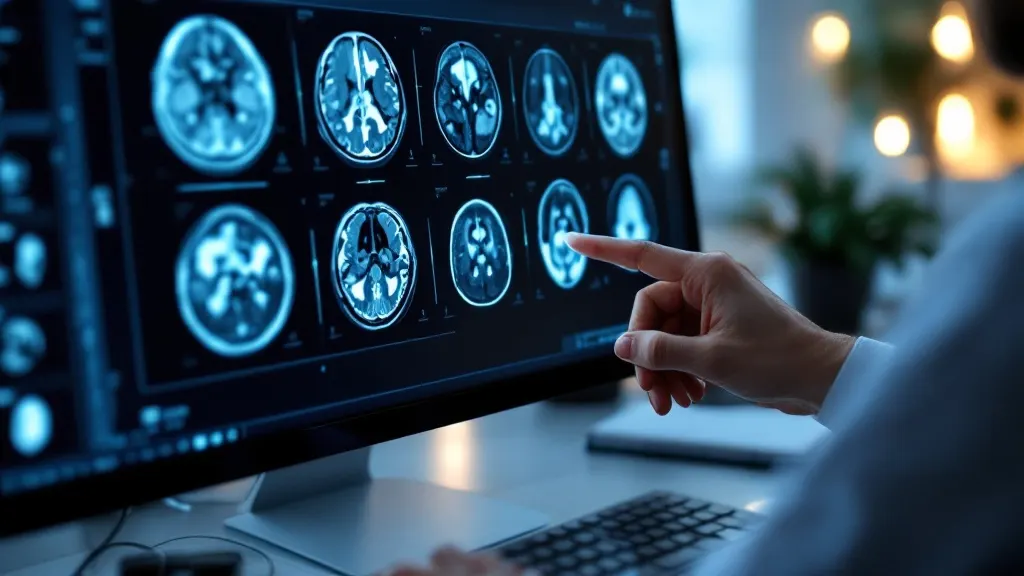
How to choose key images from a DICOM directory
This guide helps non-professionals navigate large DICOM directories to select key images from MRI, CT, and other scans. Learn simple tips to focus on the most relevant slices.
CONTINUE READING →
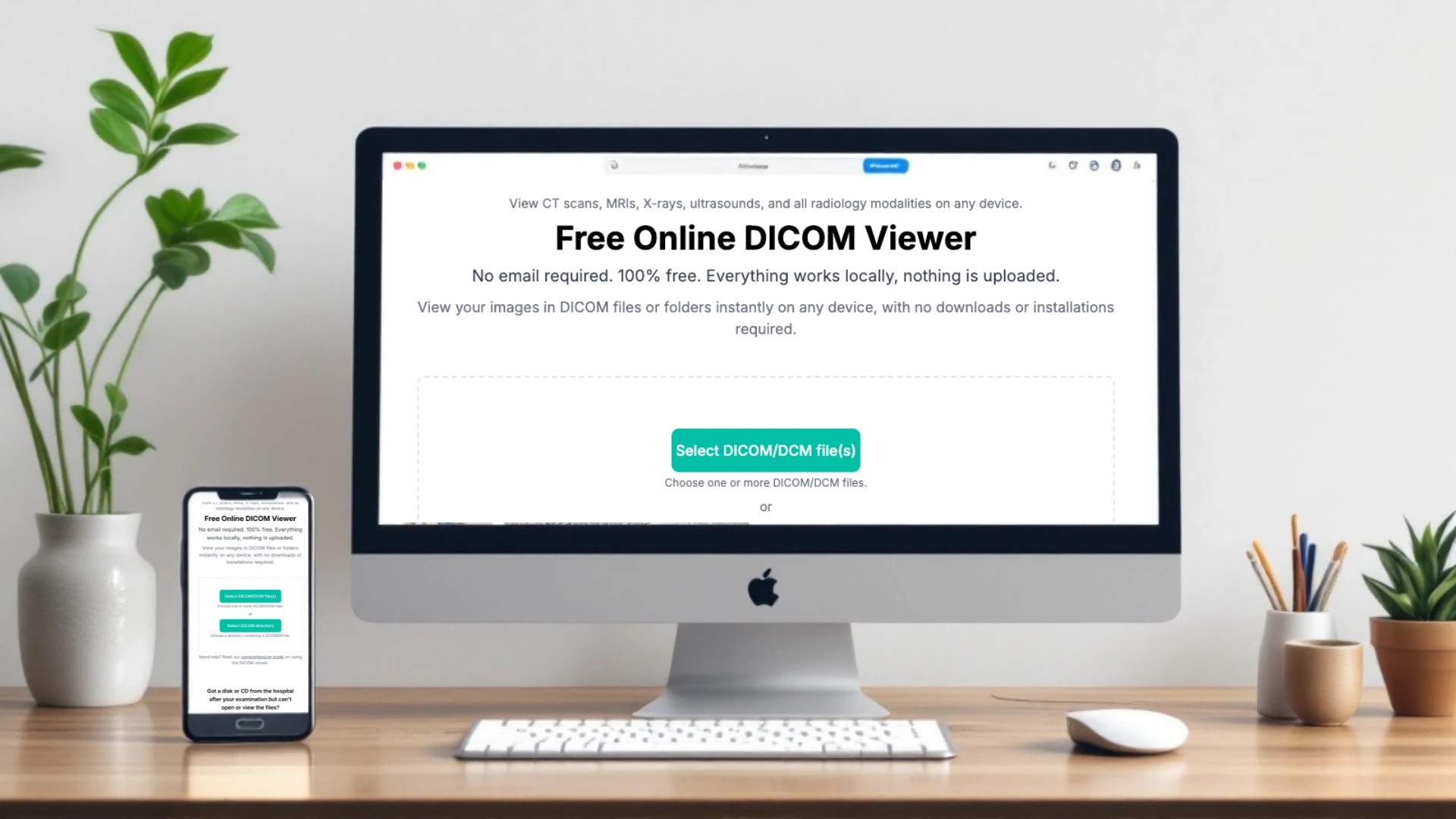
How to Use the Free DICOM Viewer on X-ray Interpreter
Step-by-step guide to using our free online DICOM Viewer. Learn how to view, save, and analyze DICOM files securely and effortlessly, all from your browser.
CONTINUE READING →
How to Use Claude to Interpret X-rays
Use Claude AI for X-ray analysis: learn model selection, steps, and FAQs. Enhance diagnostics with AI assistance.
CONTINUE READING →
How to Use Google Gemini to Interpret X-rays
Use Google Gemini for X-ray analysis: learn platform selection, steps, and FAQs. Enhance diagnostics with AI assistance.
CONTINUE READING →
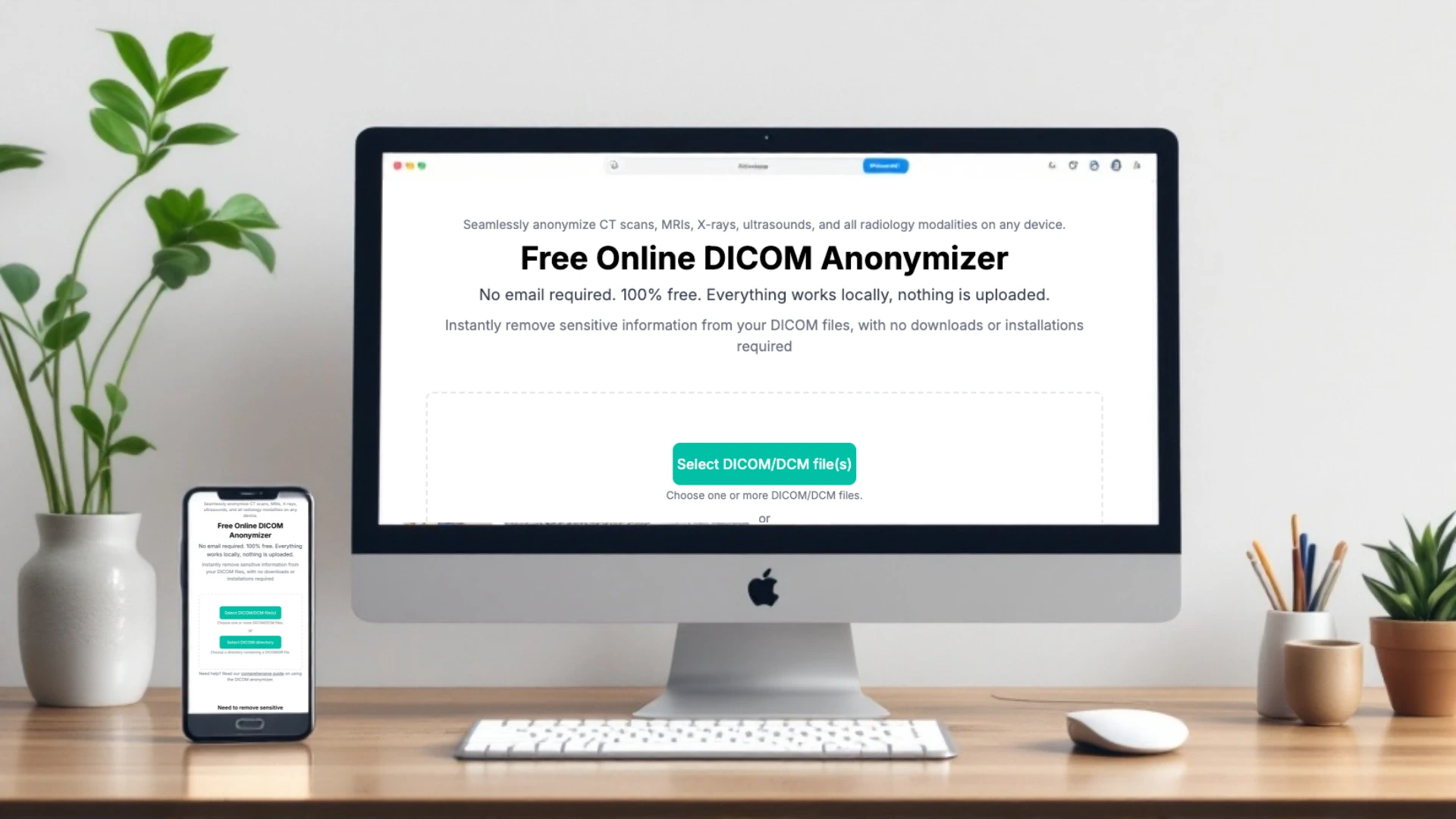
How to Use the Free Online DICOM Anonymizer on X-ray Interpreter
This guide explains how to use the free DICOM Anonymizer tool to securely remove personal data from medical images like X-rays, CTs, and MRIs in just a few steps.
CONTINUE READING →
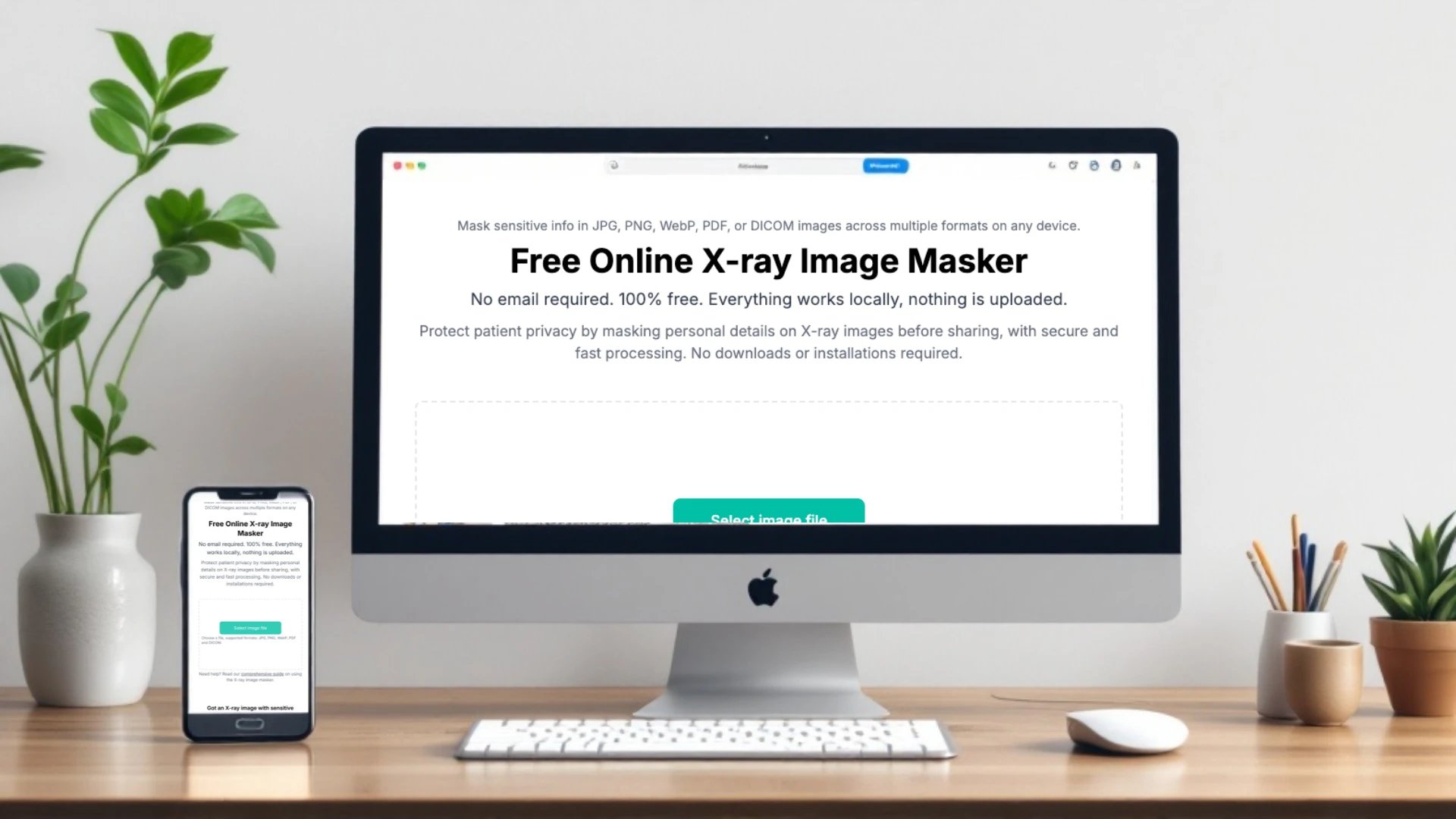
How to Use the Free Online X-ray Masker on X-ray Interpreter
The X-ray Masker Tool is a free, privacy-focused application that allows users to mask sensitive details on X-ray images locally. This guide provides a step-by-step walkthrough to help you securely and efficiently use the tool.
CONTINUE READING →
How to Open a DCM File on Windows
Learn how to open DCM files on Windows effortlessly with our free online DICOM viewer. No downloads, installations, or accounts required.
CONTINUE READING →
How to Open a DCM File on Mac
Find out how to open DCM files on your Mac with a simple, free solution. No apps or installations required—view files instantly in your browser.
CONTINUE READING →

How to Open a DCM File on Android
Learn how to open DCM files on Android devices without apps. Access medical imaging securely and instantly with a mobile-friendly online viewer.
CONTINUE READING →
How to Open a DCM File on iPhone
Discover how to open DCM files on iPhone without apps or extra downloads. Use a free online viewer to access and view medical imaging easily.
CONTINUE READING →
How to Open a DCM File: A Step-by-Step Guide
Learn how to open DCM files easily with this step-by-step guide. Discover a free and secure online viewer for accessing medical imaging files on any device.
CONTINUE READING →
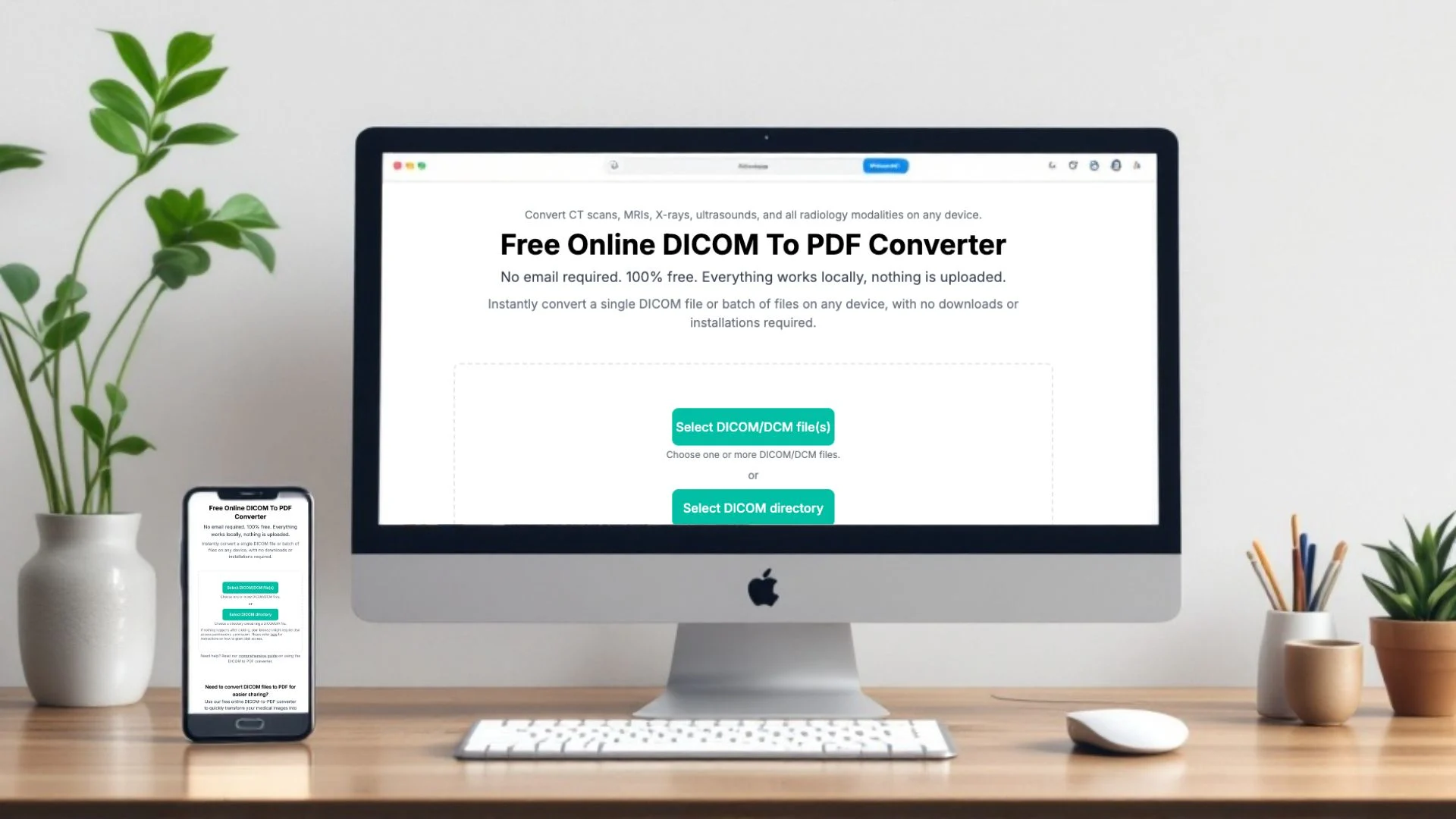
How to Use the Free DICOM to PDF Converter on X-ray Interpreter
Learn how to convert DICOM files into structured PDF documents using our free online tool. Perfect for non-professionals looking for simplicity, privacy, and shareable results.
CONTINUE READING →
Get Started
Upload your X-ray image and get interpretation.
Upload now →Disclaimer: X-ray Interpreter's AI-generated results are for informational purposes only and not a substitute for professional medical advice. Always consult a healthcare professional for medical diagnosis and treatment.